OpenSCAD: the 3D design program
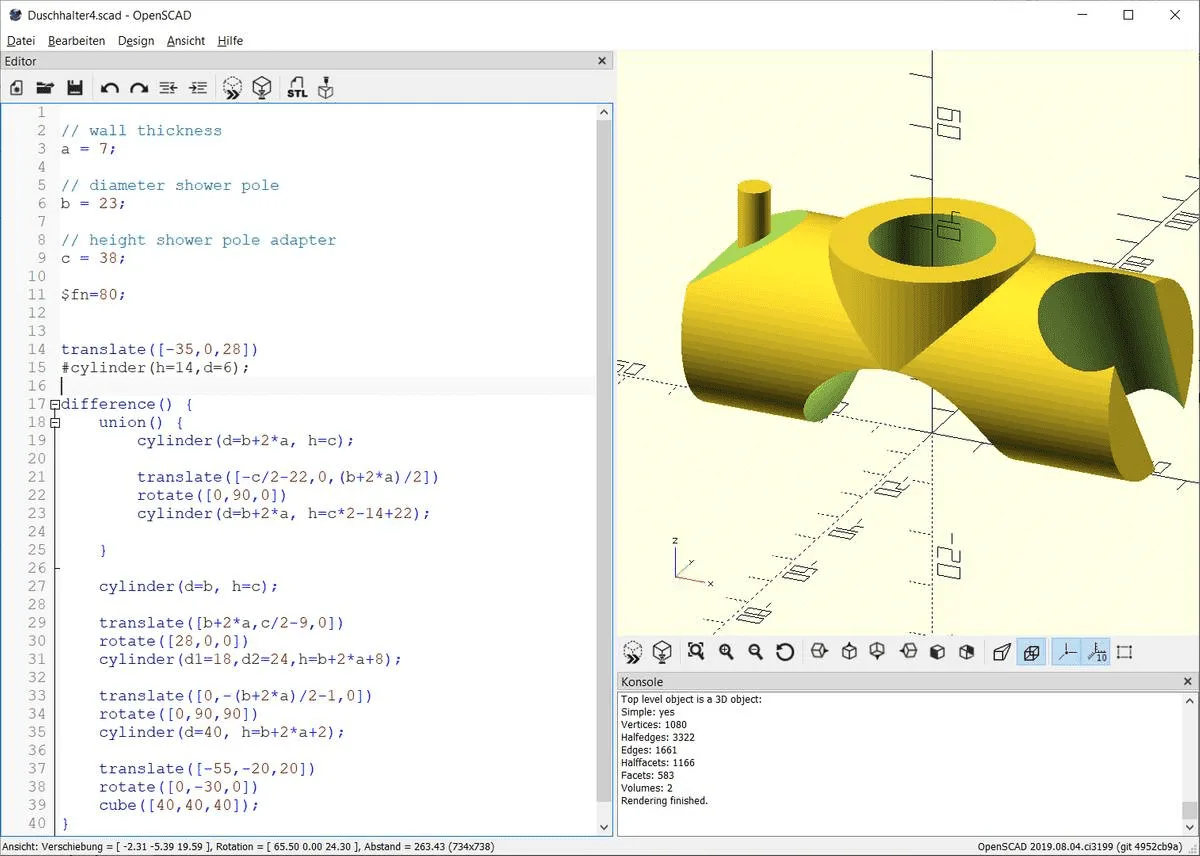
Using commands such as sphere, cylinder and cube, you create three-dimensional objects in OpenSCAD by specifying their dimensions in millimetres. You can move these objects in space (translate), rotate them (rotate), combine them (union()) and subtract them from one another (difference()).
Recurring objects can be defined as a module and parameterised as needed.
To get started, the OpenSCAD "CheatSheet" with the most important commands is a great help.
A first OpenSCAD example
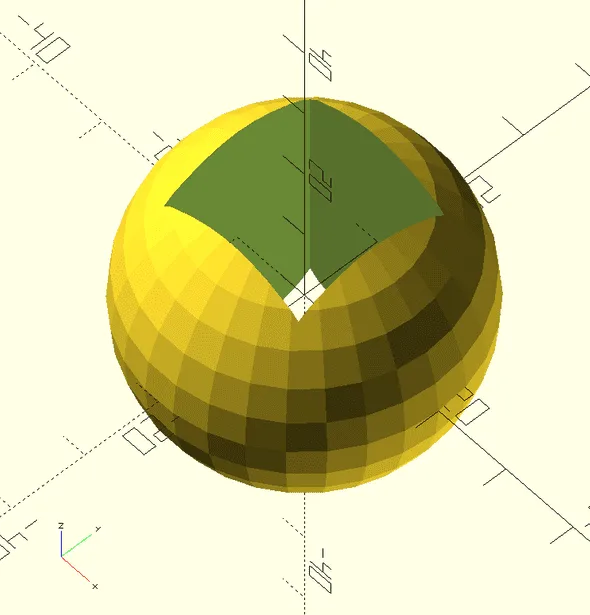
Just four lines of OpenSCAD can describe a fairly complex object:
difference() {
    sphere(d=40);
    cube([20, 20, 40], center = true);
};
Subtract (difference()) from a sphere (sphere) of diameter (d) 40 mm a cuboid (cube) of width 20 mm, depth 20 mm and height 40 mm ([20, 20, 40]) which — departing from the OpenSCAD default — should not start at the origin (0, 0, 0) of the coordinate system but have its centre placed there (, center = true).
Still sounds complicated? That's normal — but you can work your way up step by step and admire your results right in the preview! That's how my granddaughter, seven at the time, quickly had a sense of achievement with a snowman — with a little help from me.
3d-playground.de is still in its early days, but I have already built a whole series of interesting projects waiting to be shared with the world. From a programming point of view, some things in OpenSCAD are solved "quick & dirty"; but there are also examples that show how to do it "properly" (using variables, parameterised modules, loops …). My main aim is to spark ideas for your own designs.
Download and installation
Download the free OpenSCAD 3D design program directly from openscad.org.
I recommend using the latest Development Snapshot, as the "official" releases are sometimes quite old.